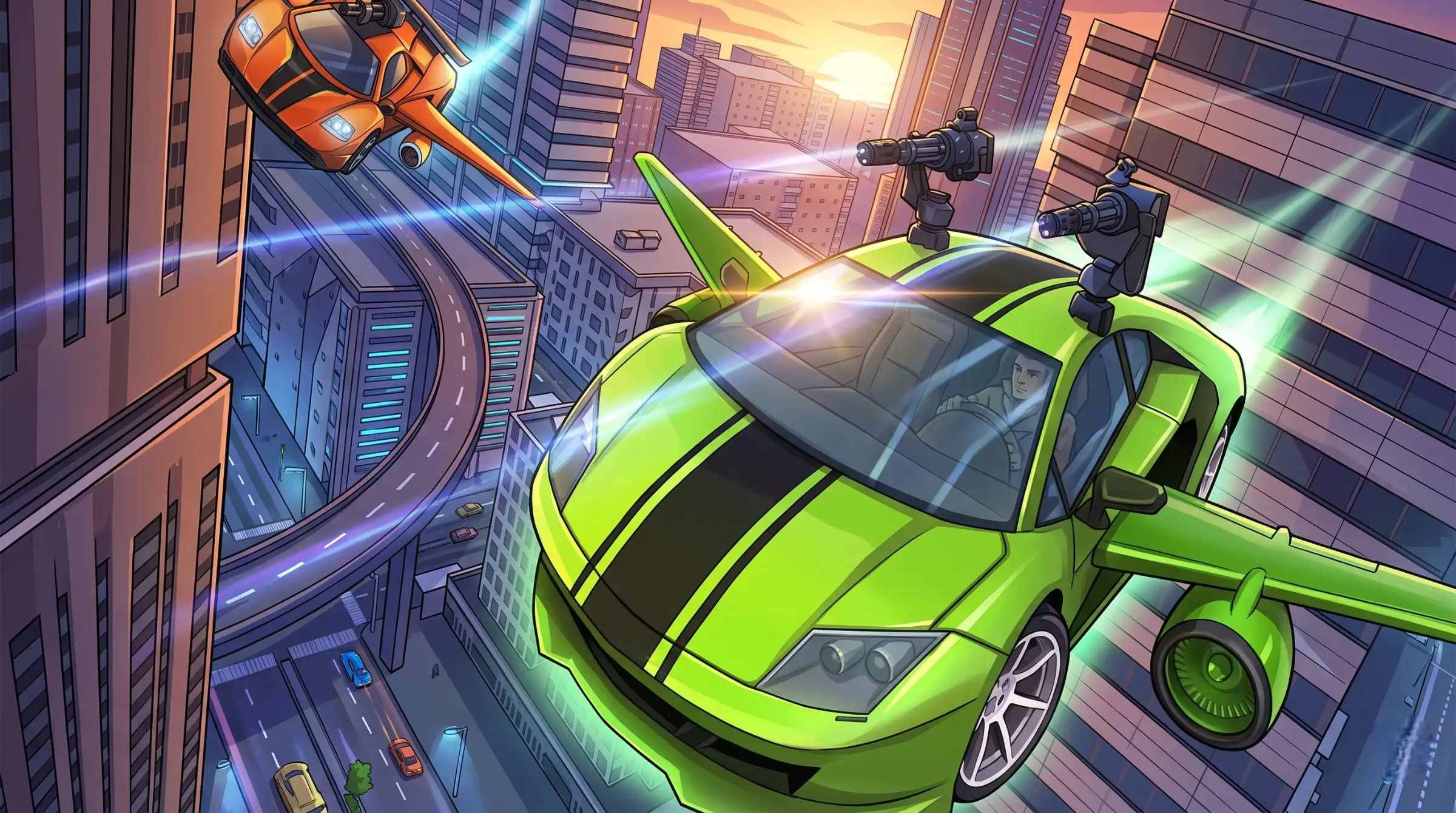
 Tap to play GT Flying Car Racing
Play GT Flying Car Racing Online
GT Flying Car Racing lets you switch between asphalt supercar racing and mid-air winged flight across sky-high stunt tracks.
You can play GT Flying Car Racing directly in your web browser on desktop, laptop, tablet, or smartphone with zero installation required. Click the Play button above to launch the game window.
Controls & How to Play GT Flying Car Racing
Game Controls: WASD or Arrow keys to drive and pitch in flight; dedicated flight toggle key shown on HUD.
Pro Gameplay Tips
- Key Strategy: Deploy wings at the peak of launch ramps to glide over hairpin gaps, and retract them early to land cleanly on boost pads.
- Better Visibility: Click the Fullscreen button right below the game frame for distraction-free play.
- Smooth Performance: If the frame rate drops on mobile, close unused background tabs and rotate your screen to landscape mode if prompted.
Game Details
| Game Title | GT Flying Car Racing |
|---|---|
| Category | Racing Games |
| Platform | HTML5 / WebGL Browser |
| Access | Free Instant Play (No Install) |
Frequently Asked Questions
How do I start playing GT Flying Car Racing?
Tap or click the Play icon on the game cover above. Once the game loads inside the stage, follow the on-screen menu to begin level one.
Can I play GT Flying Car Racing on mobile phones?
Yes, GenzzGame uses a responsive player that adapts to mobile and tablet screens. Touch controls are supported wherever enabled by the game build.
Do I need to download or install anything?
No. GT Flying Car Racing runs directly inside modern browsers like Chrome, Safari, Edge, and Firefox without extra plugins or APK downloads.